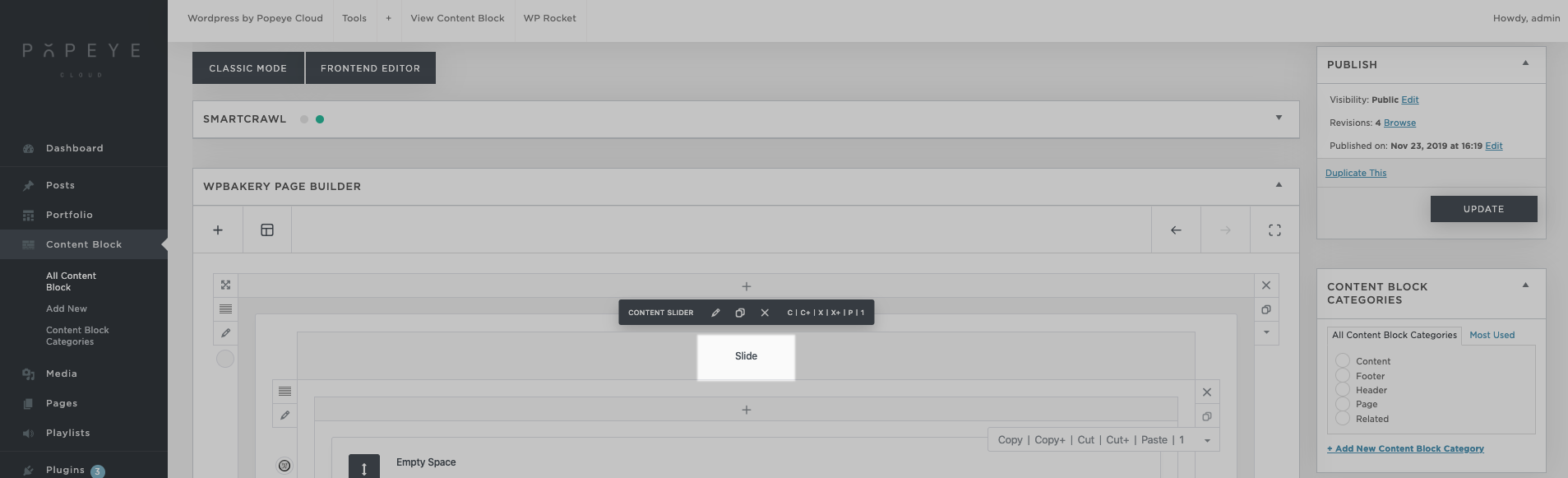

How do I add slides to a content slider?
— edit the content slider in the content block
1. Open the content block panel in the left menu. Open the content block that you want to edit.

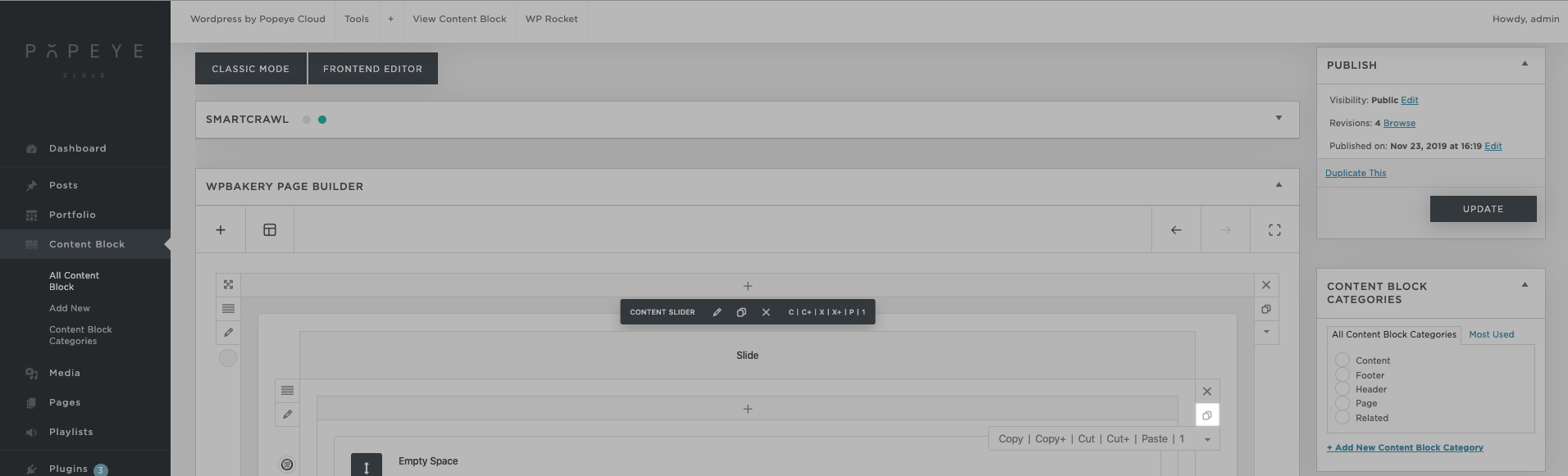
2. slide (row) duplicate
> clone this row
3. change the image
go to row > edit > inner row settings > style > background media > + (it is possible to scroll down to set the overlay color transparent in this screen)

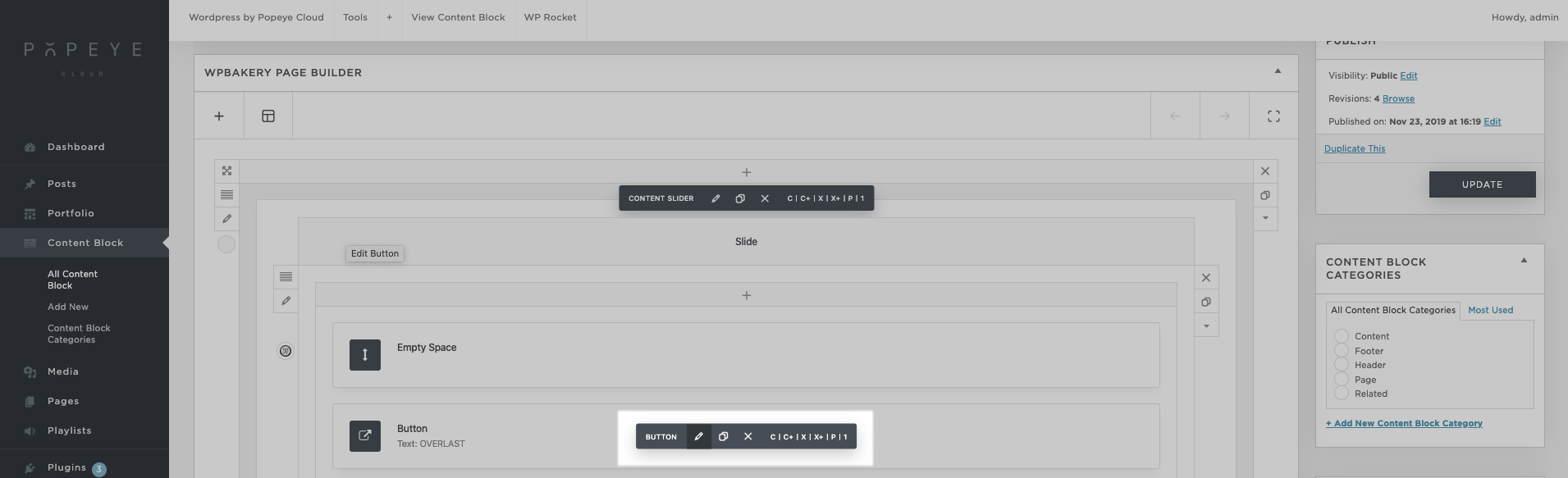
4. change text
> Header > edit Header
> Button > edit Button
5. Change slides in order
> Click on the word slide at the top of a slide and drag down