

Performance
Performance
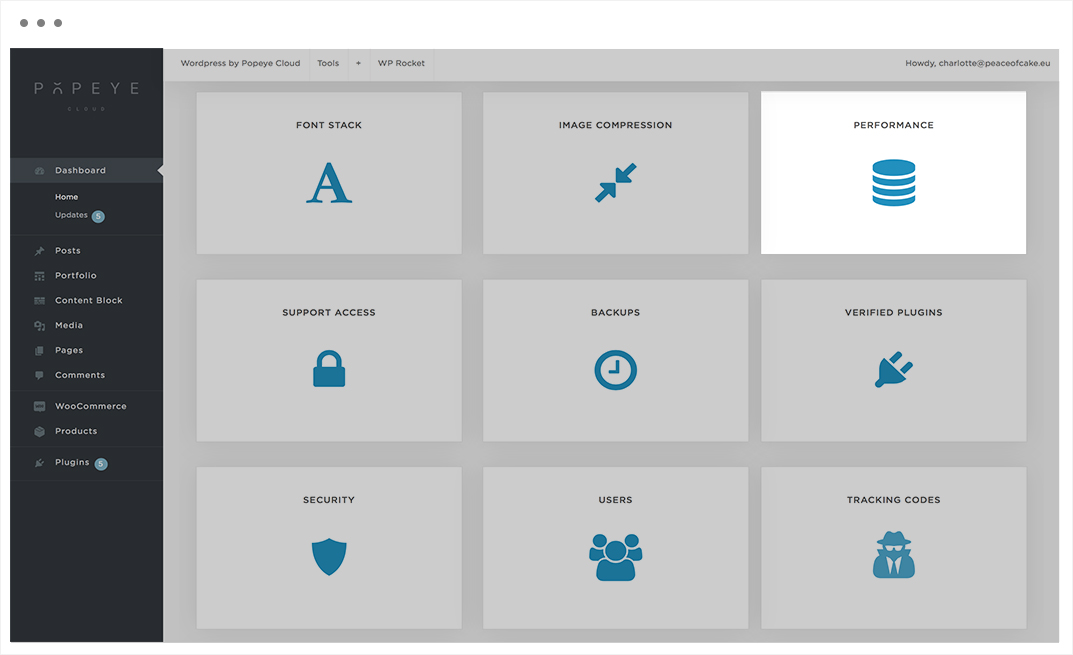
— Learn everything about the performance panel.
Tips 'n tricks
Lorem ipsum dolor sit amet, consectetur adipiscing elit. Nulla dictum tempor tempus. In ipsum nulla, ullamcorper eu orci nec, fermentum suscipit sapien.

Image Compression
Image Compression
— Learn everything about the image compression panel.
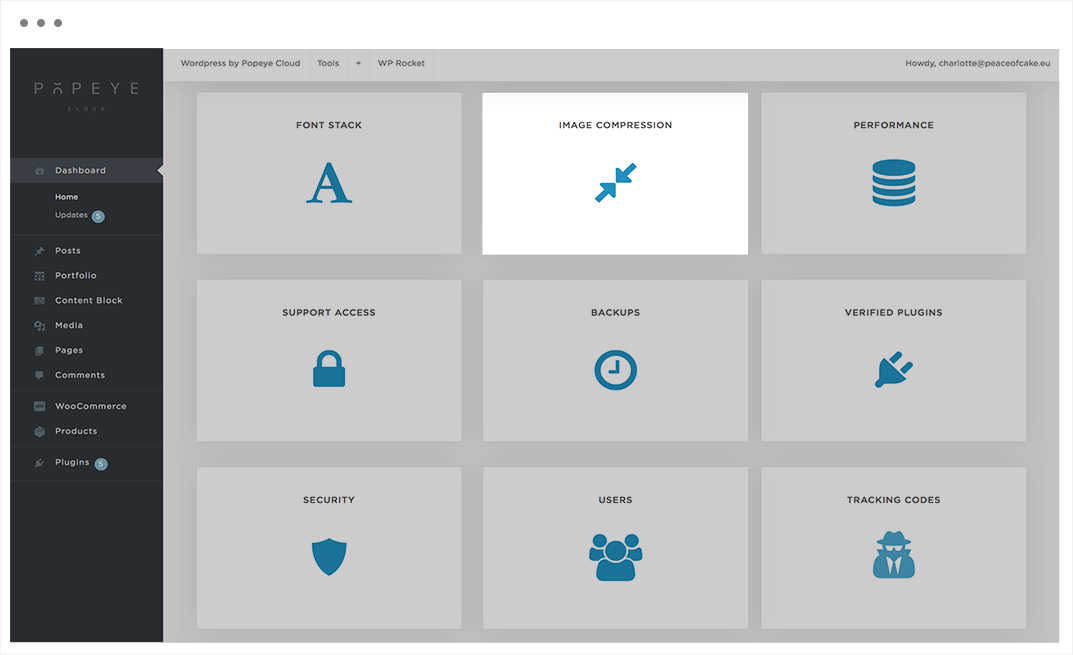
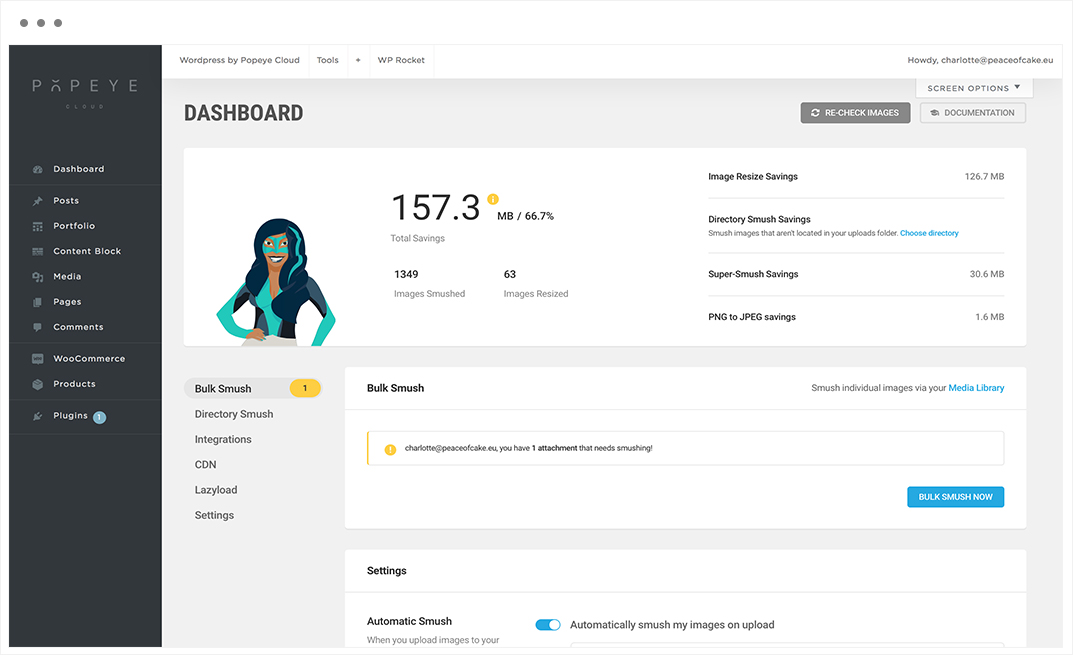
Every time you upload an image to your site, WordPress generates a resized version of that image for every default and/or custom image size that your theme has registered. This means there are multiple versions of your images in your media library.
Tips 'n tricks
It is necessary to reduce the size of the image to improve the loading speed of the website.
Font Stack
Font Stack
— Learn everything about the font stack panel.
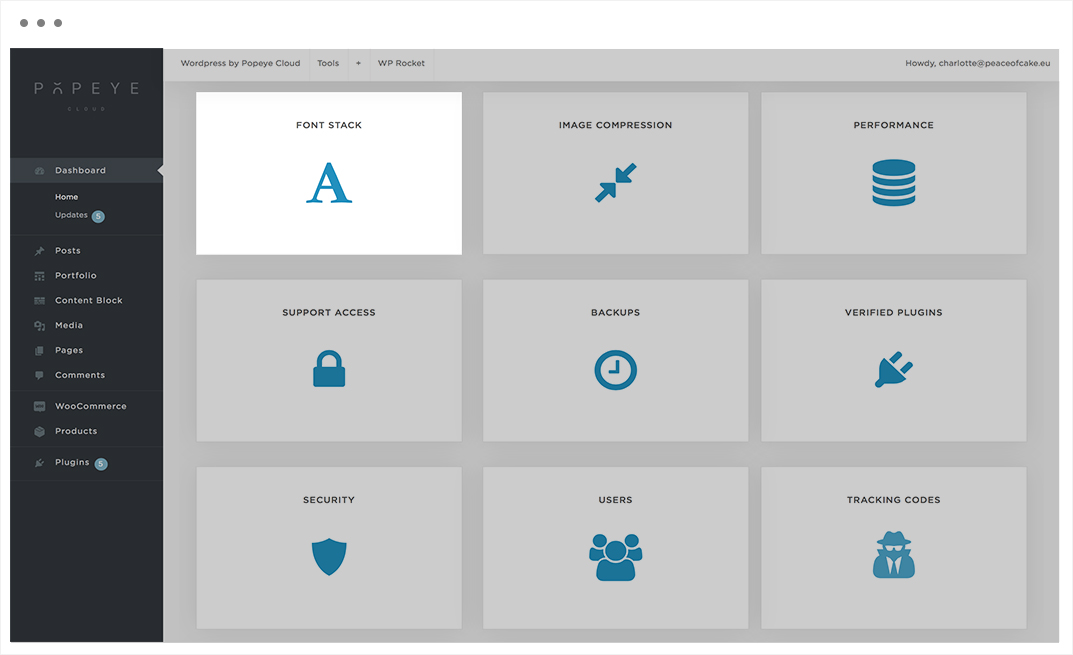
Here you import new fonts to use on your Popeye Cloud website.

Tips 'n tricks
Make sure you keep a cleaned up stack to get an overview
Dashboard Options
Dashboard Options
— Learn everything about the dashboard options panel.
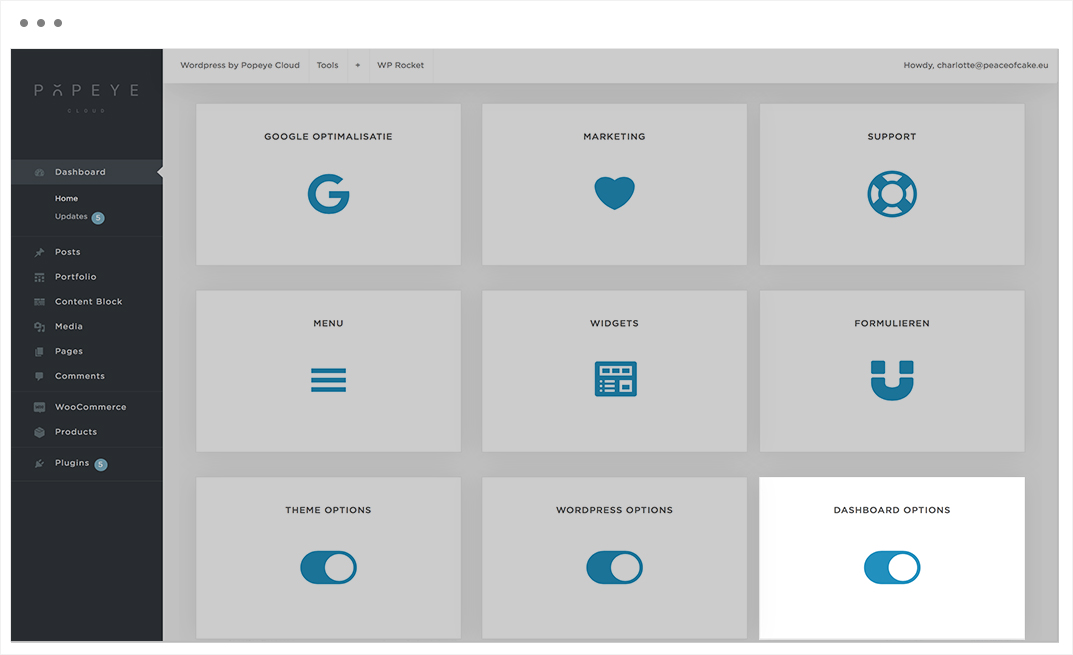
An overview of all to manage, optimize and secure your website.
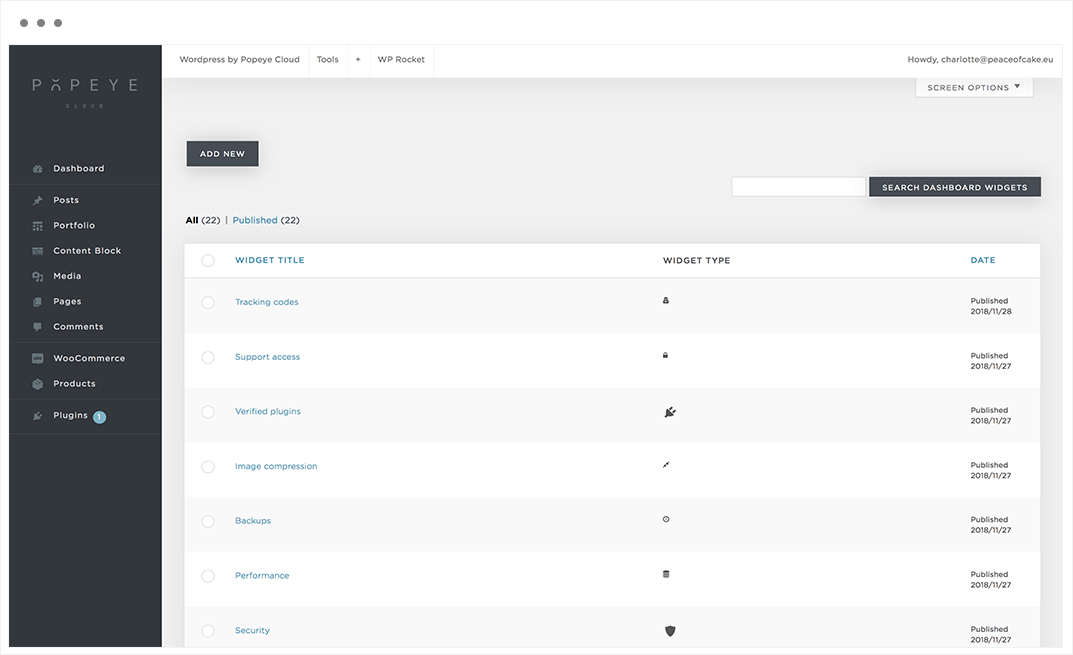
Tips 'n tricks
under construction - coming soon
Wordpress Options
Wordpress Options
— Learn everything about the wordpress options panel.
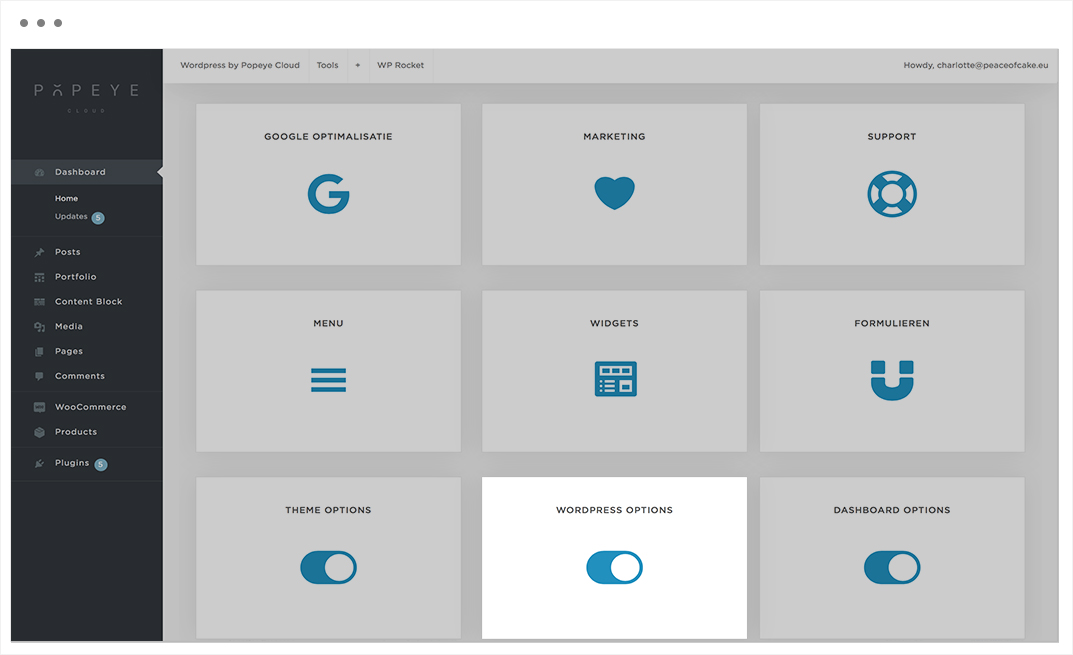

Change or add the site identity, colors, header image, background image, menus, widgets, hompage settings, woocommerce or additional CSS.
Tips 'n tricks
Choose a site title and image to give the site a more personal look.
Theme Options
Theme Options
— Learn everything about the theme options panel. In theme options you make the layout choices for your website (logo, font, footer, header). These choices are automatically transferred to the new website. You can exceed them by manually adjusting the settings in the page options.
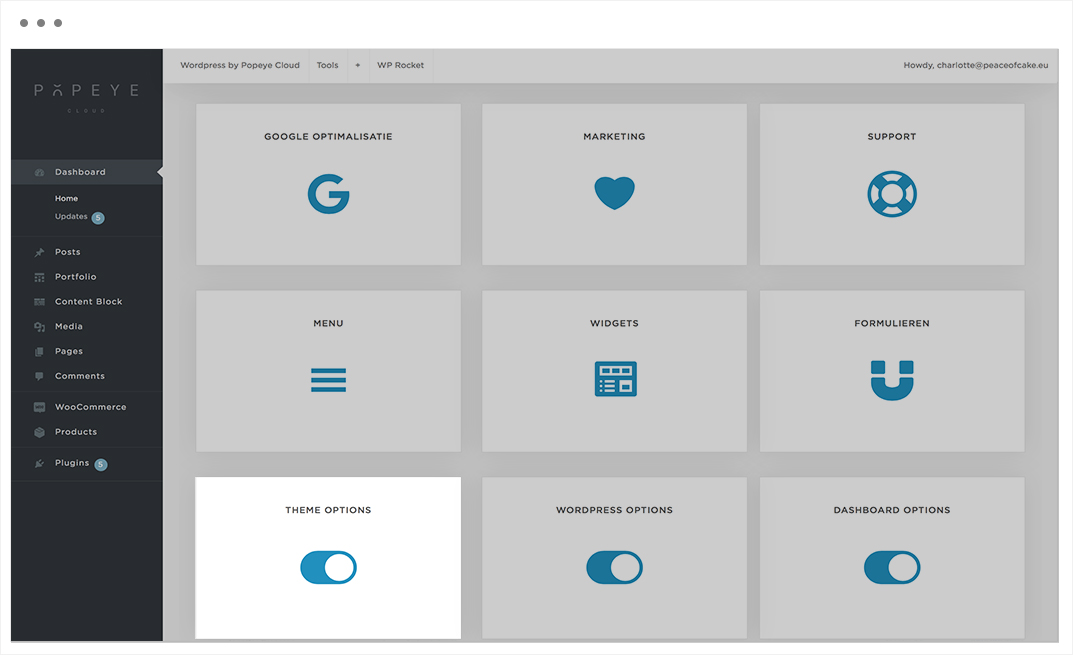

Add a logo, choose the position of the menubar, decide the width of the footer,…
Tips 'n tricks
Add by logo in the section 'light-logo' a dark version of the logo and in the section 'dark-logo' a light version of the logo.
Forms
Forms
— Learn everything about the forms panel.

Every website needs a contact form, so people can contact you about your products and services.

Below are the top 3 reasons why a contact form is better than pasting your email address on a page:
Spam Protection – Spam bots regularly scrape websites for the mailto: email address tag. When you post your email address on the website, you will start to receive a lot of spam emails. On the other hand, when you use a contact form, you can get rid of almost all spam emails.
Consistent Information – When emailing, people don’t always send you all the information that you need. With a contact form, you can tell the user exactly what information you’re looking for (such as their phone number, budget, etc).
Saves Time – Contact forms help you save time in more ways than you can imagine. Aside from consistent information that we mentioned above, you can also use form confirmations to tell the user what are the next steps. Such as watch a video or wait up to 24 hours to get a response, so they don’t send you multiple inquires.
Tips 'n tricks
By adding a form, the visitor is more inclined to contact or send a message
Widgets
Widgets
— Learn everything about the widgets panel.
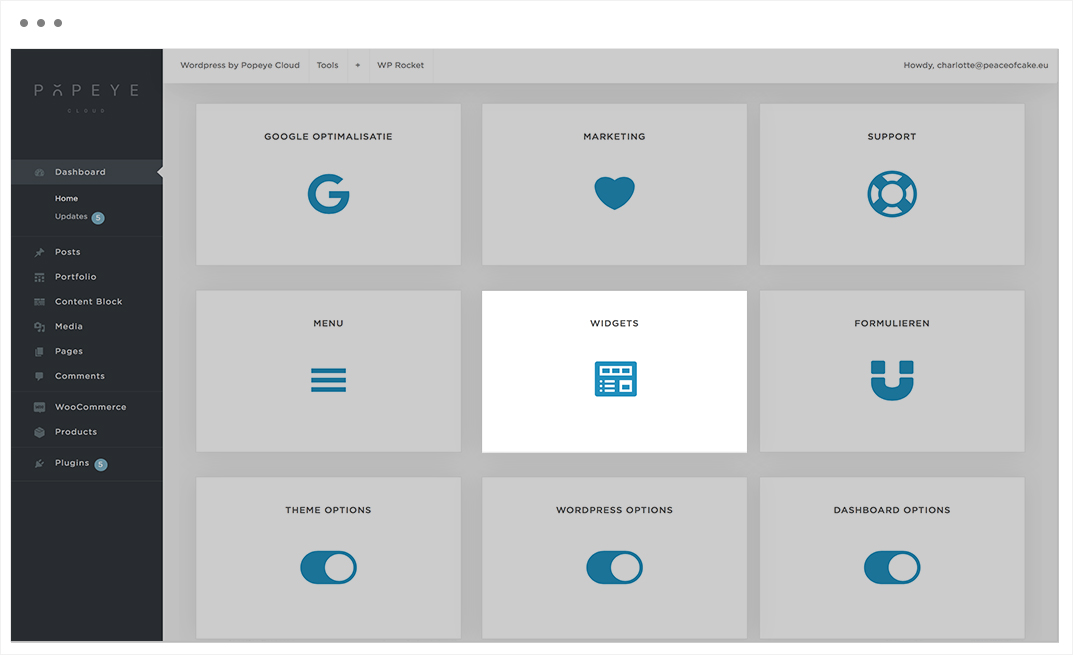

Add widgets as an element that is filled with dynamic content: list of most sold products, most visited pages, overview of the most used tags, … This is not entered manually.
Tips 'n tricks
You can add these widgets in sidebars also known as widget-ready areas on your web page. Widgets were originally created to provide a simple and easy-to-use way of giving design and structure control of the WordPress theme to the user. Widgets can be easily dragged and dropped into a specific widget area.
Menu
Menu
— Learn everything about the menu panel.
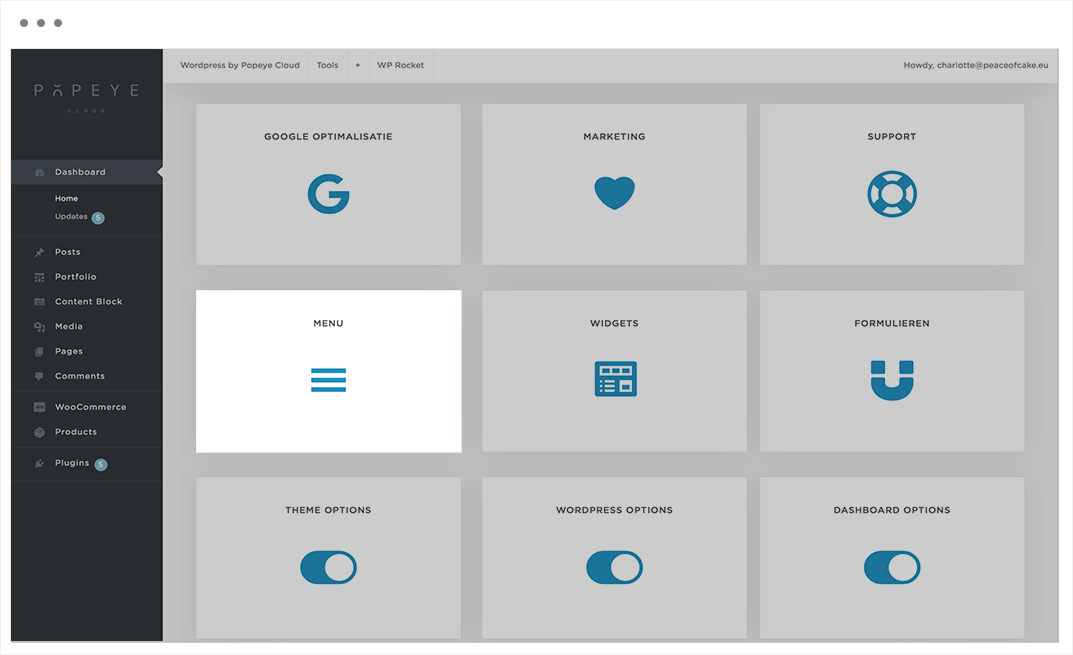
Menu to compile the navigation bar with a menu structure.

Add or create a new menu by dragging menu items into a menu structure.
Tips 'n tricks
Drag menu items to the right to create a submenu.
Support
Support
— Learn everything about the support panel.
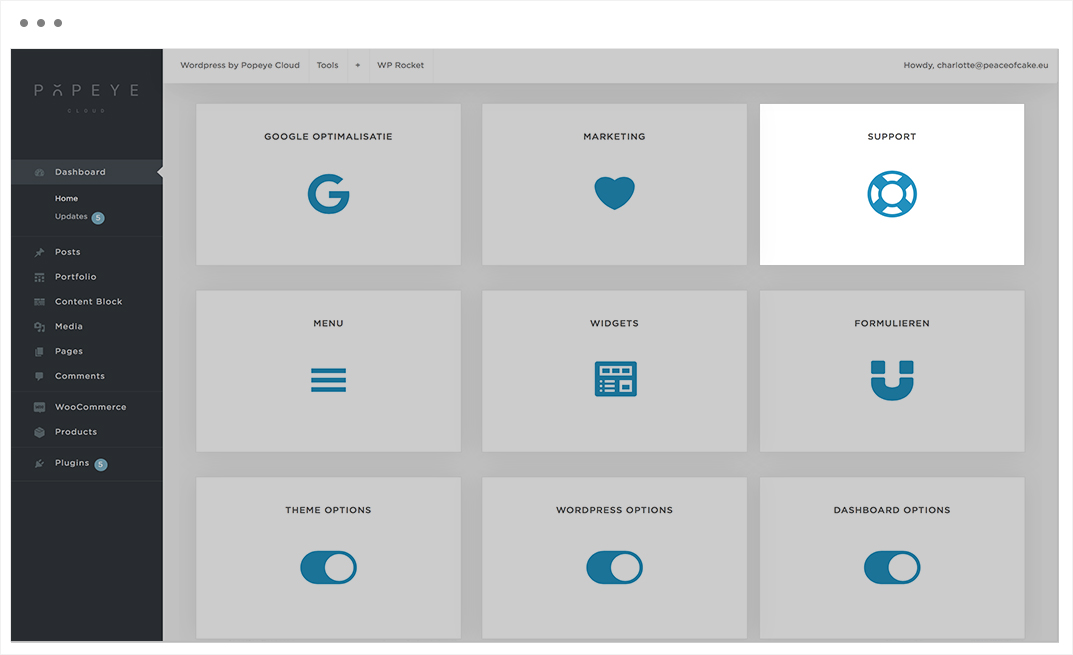
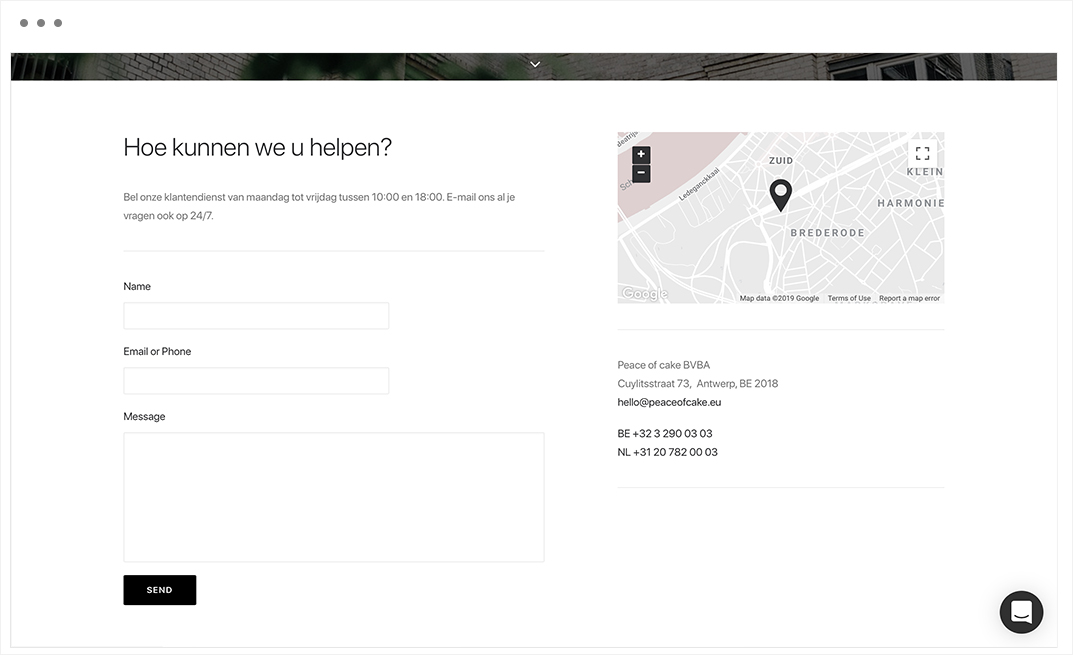
The customer service of peace of cake, from Monday till Friday between 10:00 and 18:00, for all your questions.
Peace of cake BVBA
Cuylitsstraat 73, Antwerp, BE 2018
hello@peaceofcake.eu
BE +32 3 290 03 03
NL +31 20 782 00 03