

Support
Support
— Learn everything about the support panel.
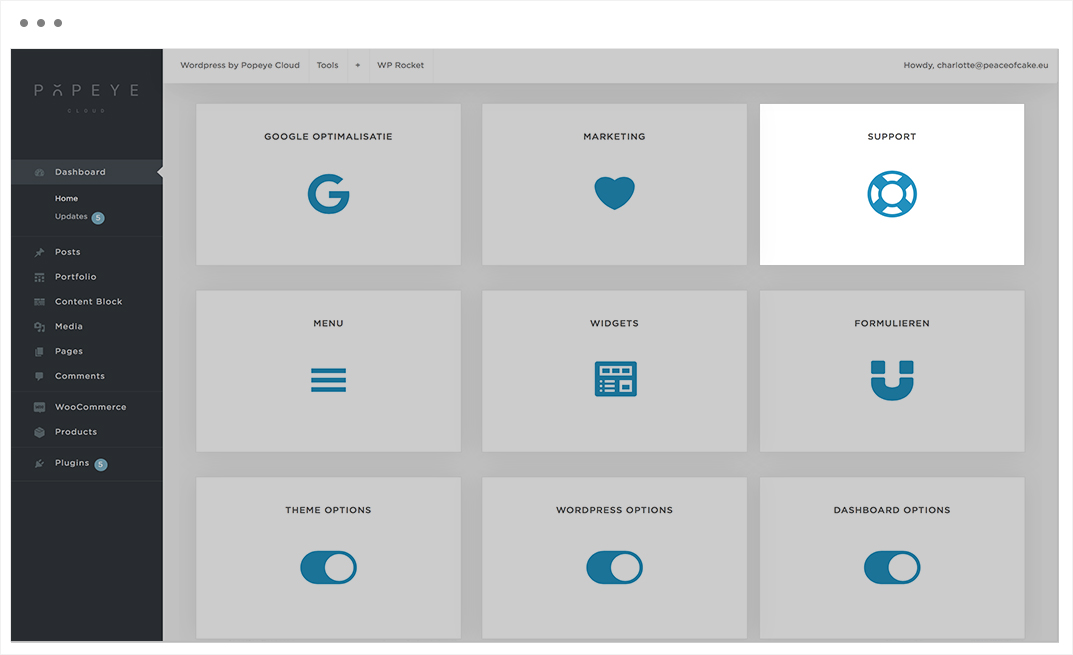
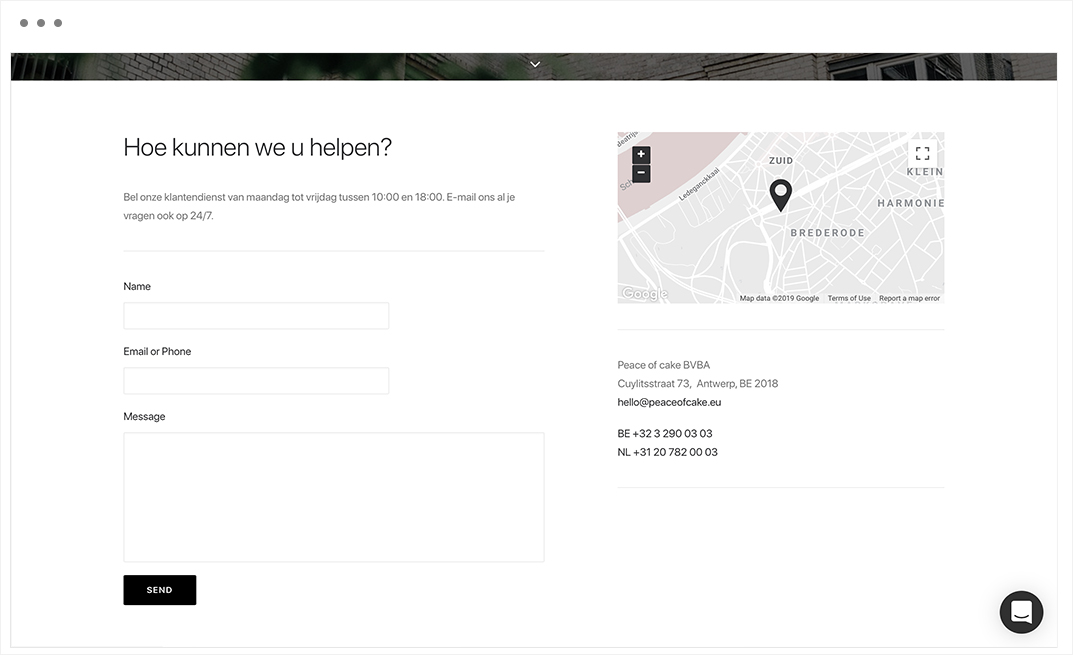
The customer service of peace of cake, from Monday till Friday between 10:00 and 18:00, for all your questions.
Peace of cake BVBA
Cuylitsstraat 73, Antwerp, BE 2018
hello@peaceofcake.eu
BE +32 3 290 03 03
NL +31 20 782 00 03
Tips 'n tricks
Leave a message if you have any questions.

Marketing
Marketing
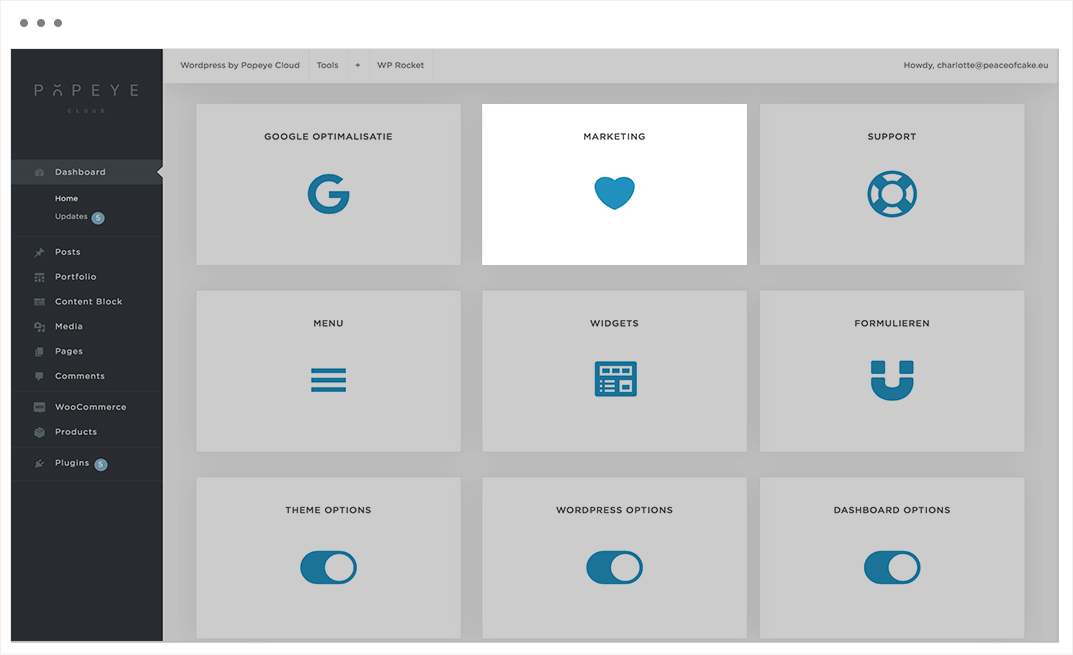
— Learn everything about the marketing panel.
Conversion data that is summarized on this page.
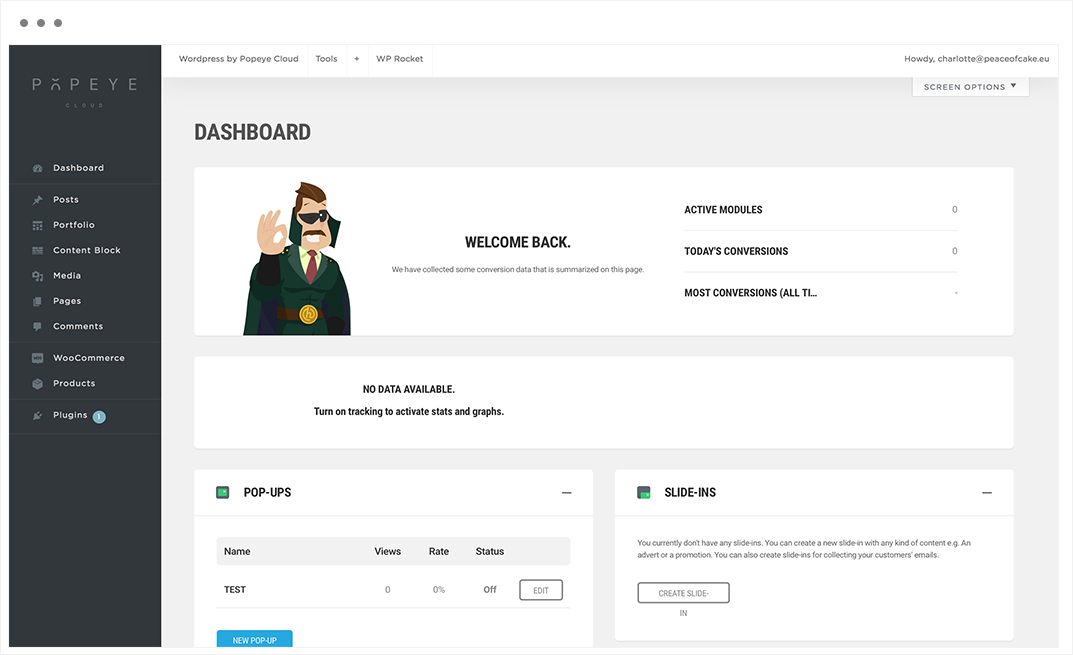
Embeds
Here you can create an Embed module with your custom content, or for collecting users’ emails. Embed modules can then be appended to posts or pages, or displayed inside widgets and shortcodes.
Slide-Ins
You currently don’t have any slide-ins. You can create a new slide-in with any kind of content e.g. An advert or a promotion. You can also create slide-ins for collecting your customers’ emails.
Social Shares
You don’t have any social sharing modules set-up just yet.
Click the button below to setup social sharing.
Tips 'n tricks
Turn on tracking to activate stats and graphs.
WP Rocket
WP Rocket
— In the menubar, you find WP Rocket. In this menu you can go for FAQ and support.
Clear cache is a tool that is used when the changes cannot be seen on the website. This is common with changing a font or when CSS or JS is added.

Tips 'n tricks
Use WP-Rocket on the front-site of the editor if CSS adjustments doesn't change.
+
+
— In the menubar, you find a "+" symbol. In this menu you can add immedialtely a new post, media, link, page, product, order, coupon, dashboard widget, portfolio post, content block post, gallery or user.
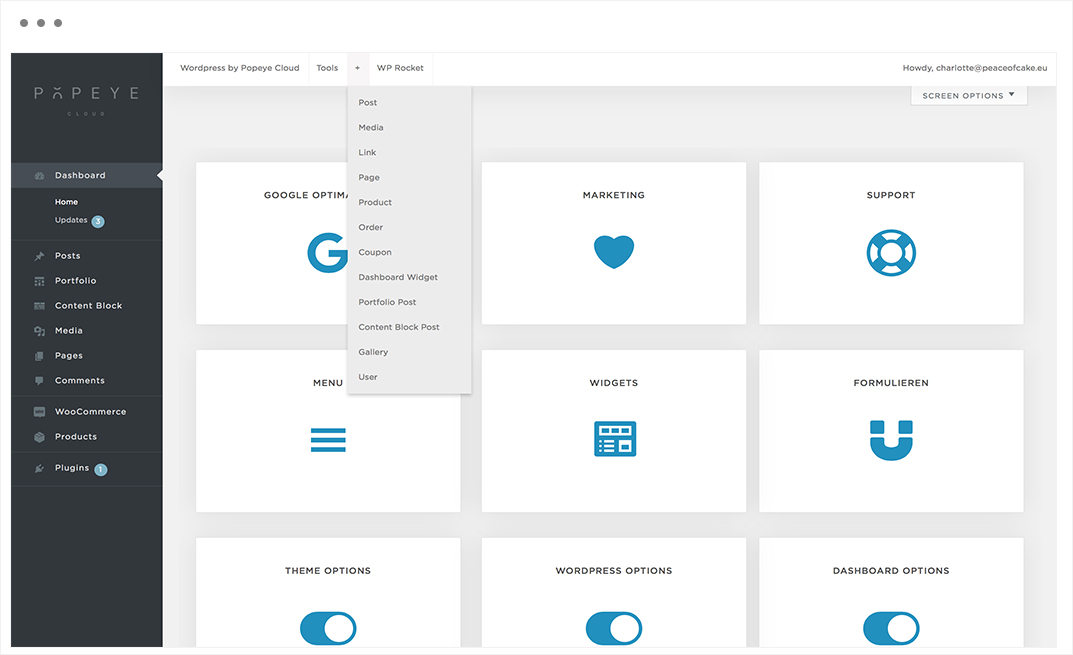
Tips 'n tricks
Add elements to your website.
Tools
Tools
— In the menubar, you find Tools. This menu consist of the most important tools to manage, optimize and secure your website.
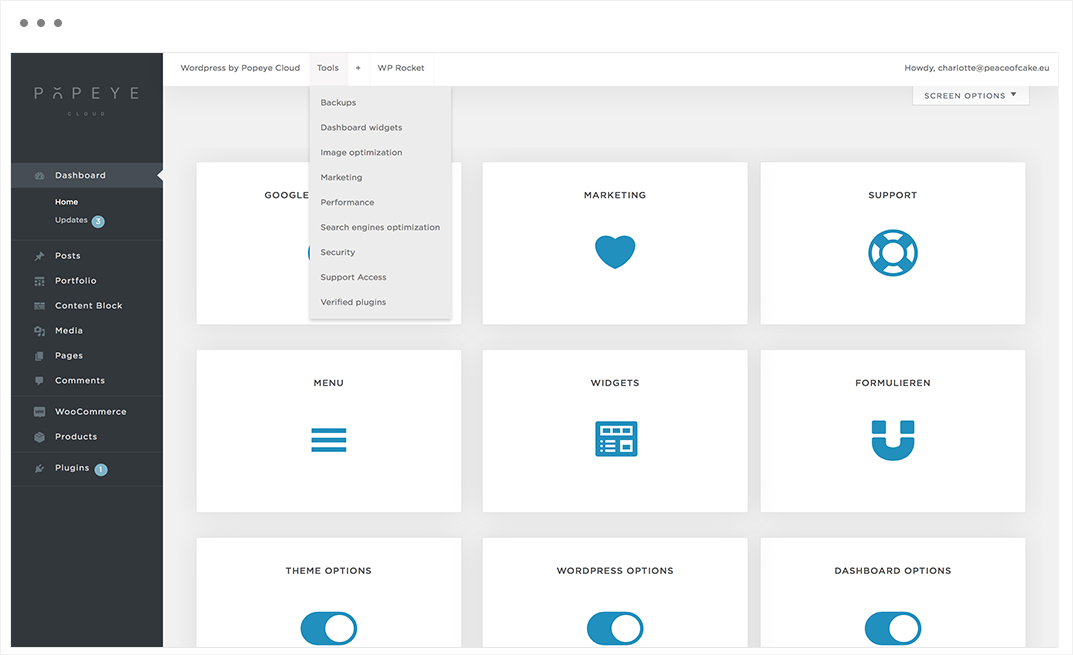
Tips 'n tricks
Use these tools to manage your website.
Wordpress by Popeye Cloud
Wordpress by Popeye Cloud
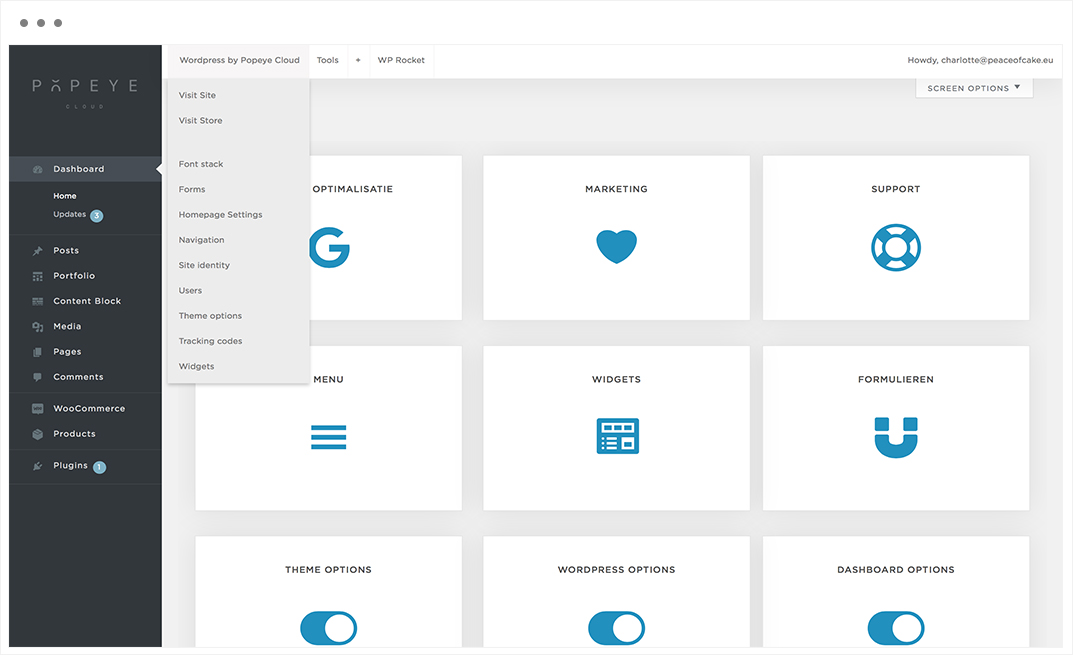
— In the menubar, you find Wordpress by Popeye Cloud. This menu consist of the most important tools to view, change and build the website.
- Visit the site or store;
- Add a font-family in the font stack;
- An overview of all the different forms you can use;
- Change or add the site identity, colors, header image, background image, menus, widgets, hompage settings, woocommerce, additional CSS;
- Choose menu to compile the navigation bar with a menu structure;
- Add or delete users;
- Go to theme options to make the choices for the website;
- Add widgets as a calendar, footer text, cart,..
Tips 'n tricks
The most important tools of your website. Keep it clean and organized to keep a good overview.
Plugins panel
The plugins panel
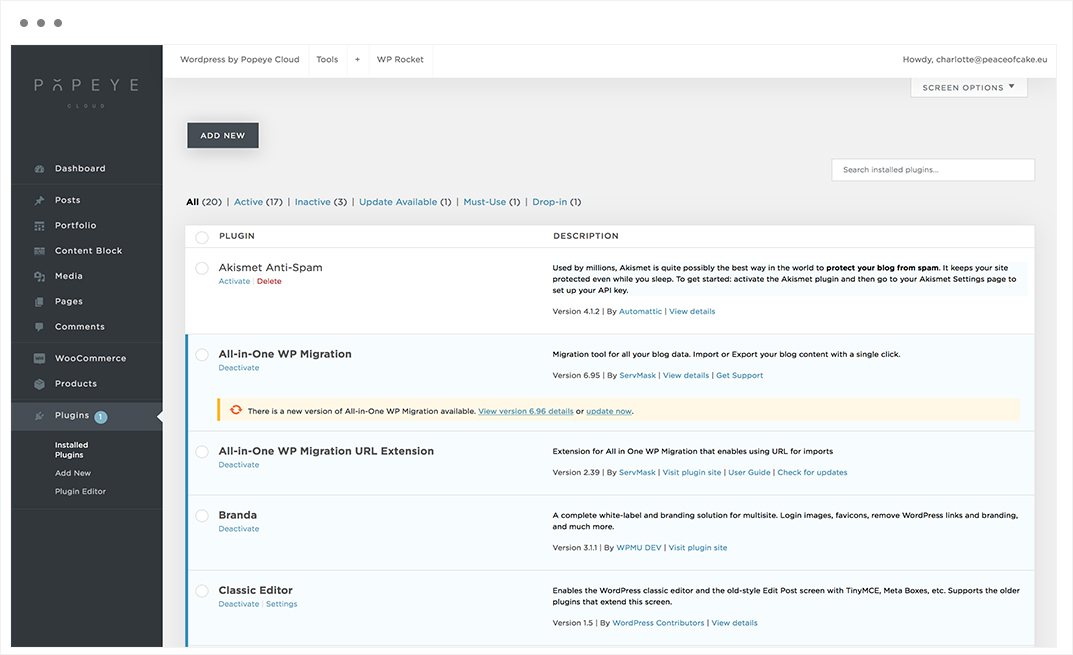
— A plugin is a piece of software containing a group of functions that can be added to a Popeye website. They can extend functionality or add new features to your Popeye websites.
An overview of all installed plugins. The plugins that are activated are displayed in white, the ones that are deactivated are blue.
Tips 'n tricks
The plugins will be updated automatically each week.
Comments panel
The comments panel
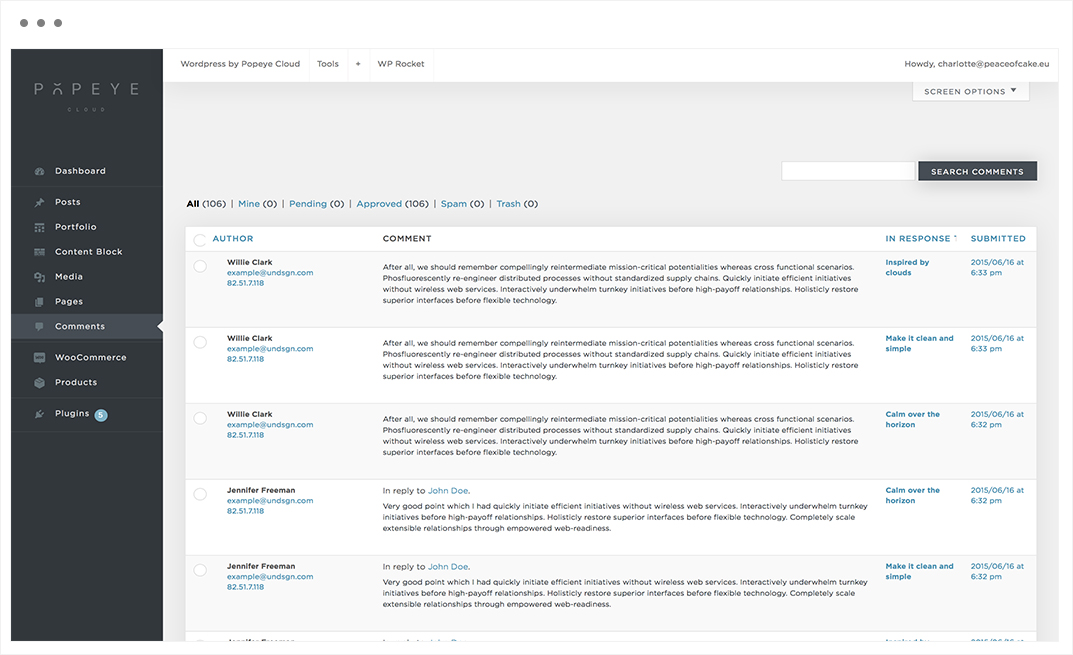
— Search or organise comments from visitors.
For each individual comment you can choose:
- approve : when you approve the comment to on the website
- unapprove: when don’t approve the comment so it won’t display on the website
- mark as spam: inappropriate comments
- move to trash: to delete comments, they are now located in the trash
Tips 'n tricks
Comment section can be a good source of feedback from public users. Sometimes you get nice ideas and suggestions for free. Comment section also provides interactive use of your system instead of normal static pages.
Pages panel
The pages panel
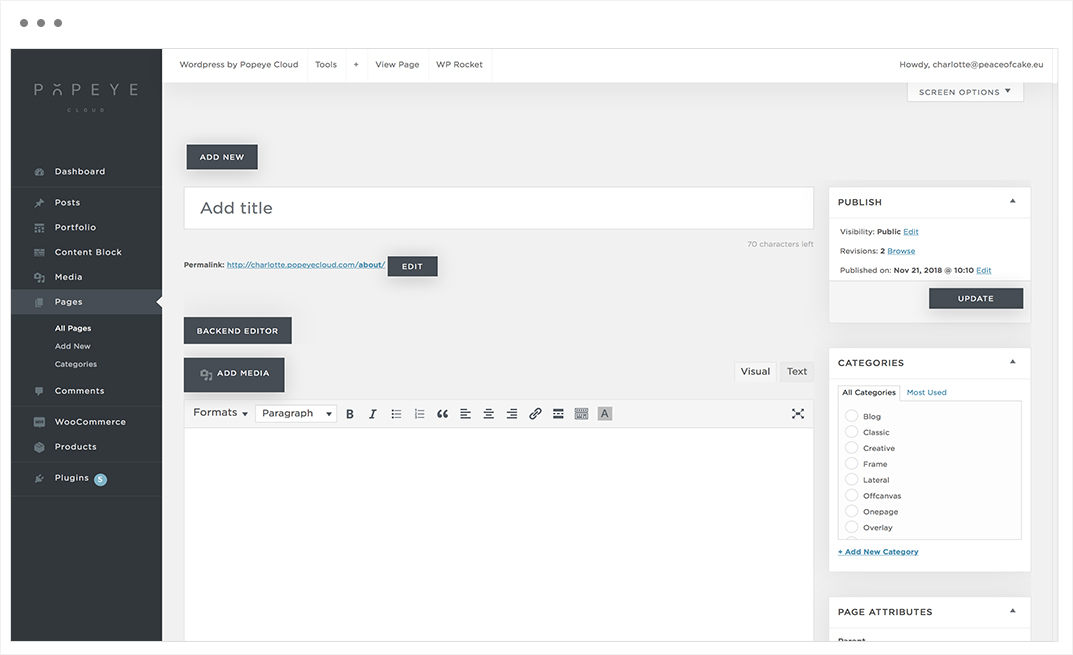
— Create pages to build your website. The pages panel is where you add and edit pages. In this panel you can add a title, content, categories,..
Organize your pages in a navigation menu to help visitors explore. Follow the steps below.
- add new
- enter a title
- add content/media
- add categories
- publish
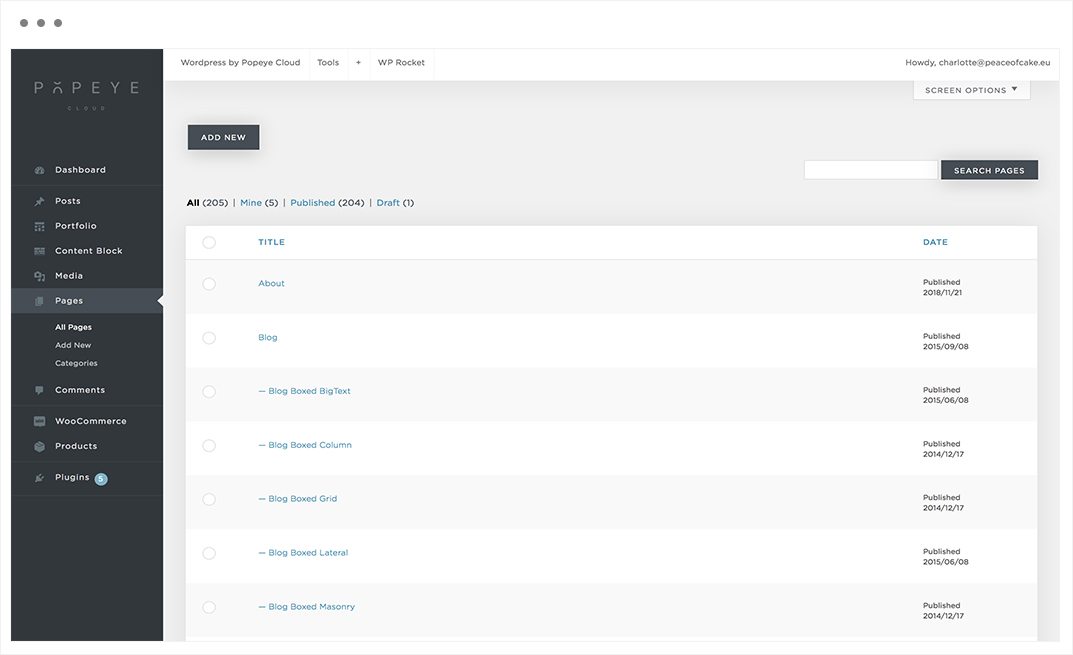
Unlike posts, pages are hierarchical by nature. For example, you can have subpages or child pages within a page. You can easily turn a page into subpage by choosing a parent page from page attributes when editing a page.
Tips 'n tricks
Add categories and tags so customers visites the site more often. By adding a featured image, the page gets a personal touch. When you are not sure about the page, save it as a draft for later.
Media panel
The media panel
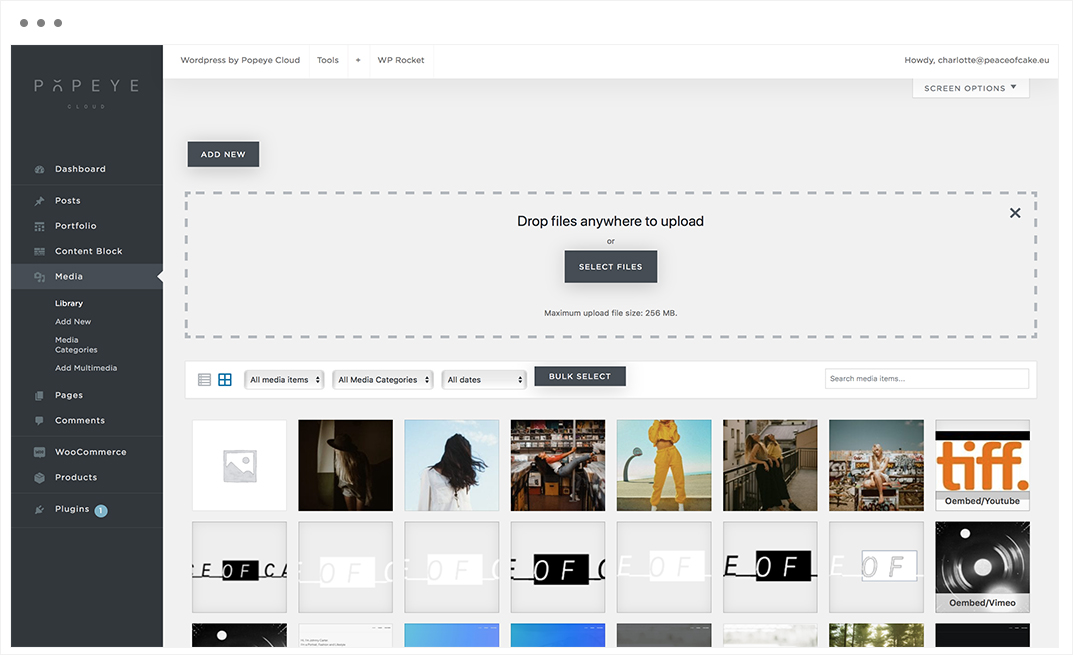
— Learn everything about media. The media panel is where you add and edit media. The media panel contains photos, videos and embedded links.
You can add and edit your media from the ‘media panel’ in your dashboard. Here is how to upload new media.

You can add images to your site. Add a single image to pages, blog posts, and other content areas.
You can go to media → add new
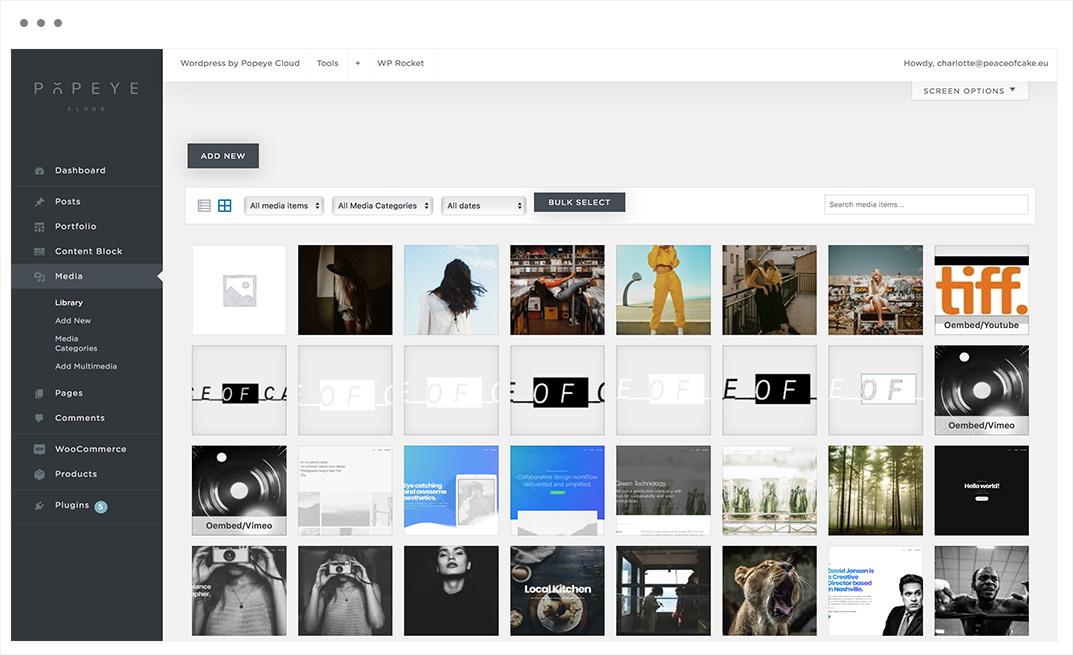
Library
A collection of all uploaded files.
You can upload new images to the library.
Notes
Large, high quality videos might lead to an increase in your site’s loading time.
Maximum upload file size: 256 MB.
Media Categories
Add media categories to your media.
Add Multimedia
Add oEmbed, external IMG, SVG code, HTML or Shortcode.
- add a title
- insert URL
- add a caption
- add a description
- save